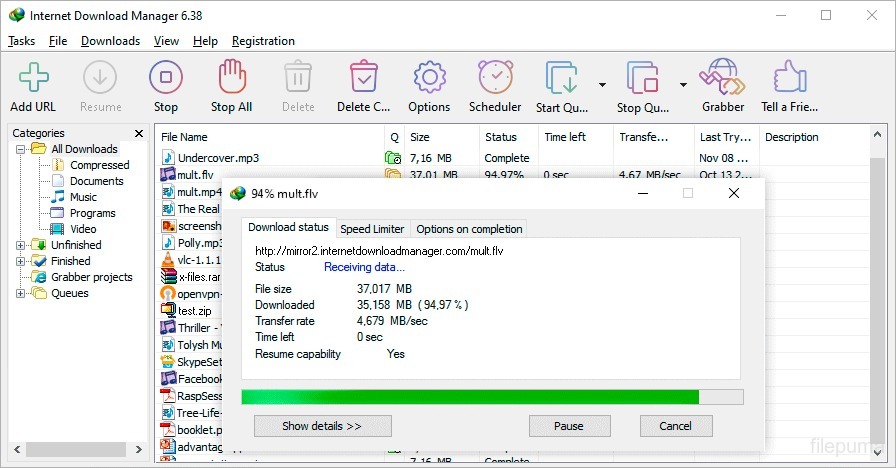
Internet Download Manager (IDM) stands out as an exceptional download management software. Renowned for its efficiency and robust capabilities, IDM has become an indispensable tool for users seeking a seamless and accelerated downloading experience. With its user-friendly interface, IDM simplifies the downloading process, allowing users to effortlessly organize and manage their downloads.
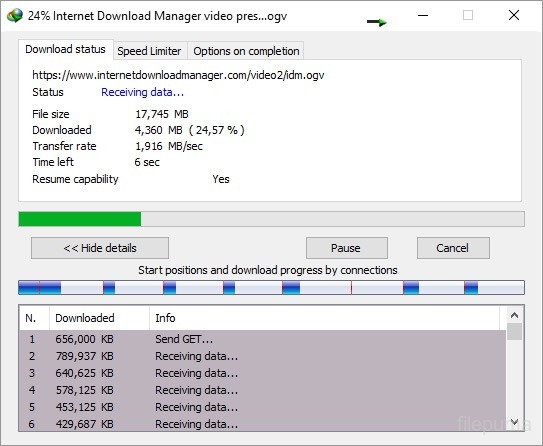
One of IDM’s key strengths lies in its advanced features, such as dynamic file segmentation and multi-part downloading. These capabilities enhance download speed significantly, ensuring a faster and more efficient downloading process. Additionally, IDM seamlessly integrates with various web browsers, making it a versatile solution for users across different platforms.
Furthermore, IDM offers comprehensive error recovery and resume functionalities, empowering users to resume interrupted downloads without losing progress. The software’s intelligent dynamic file segmentation adapts to network conditions, optimizing download speed for an unparalleled user experience.
IDM is a powerful download manager that combines user-friendly design with advanced features, providing a reliable and accelerated download solution for users navigating the vast landscape of the internet.
Key Features:
- Fast Downloads: Accelerates download speeds with multiple connections.
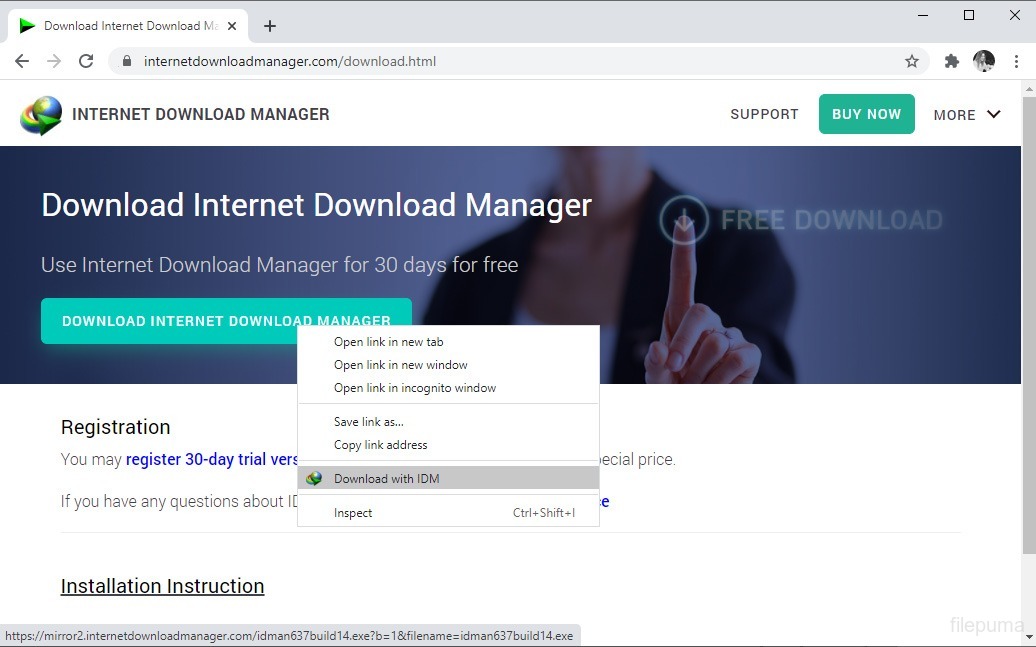
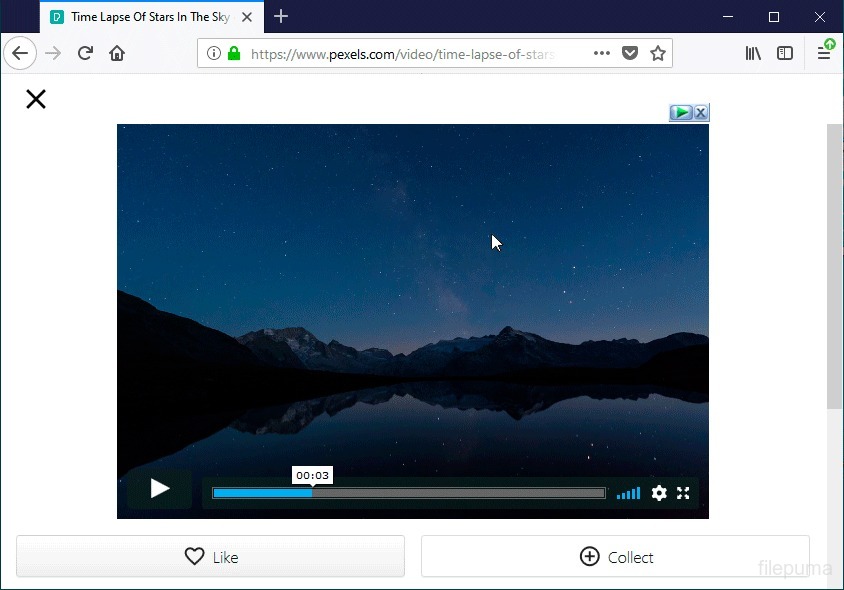
- Browser Integration: Seamless integration with popular web browsers.
- Pause and Resume: Allows users to pause and resume downloads anytime.
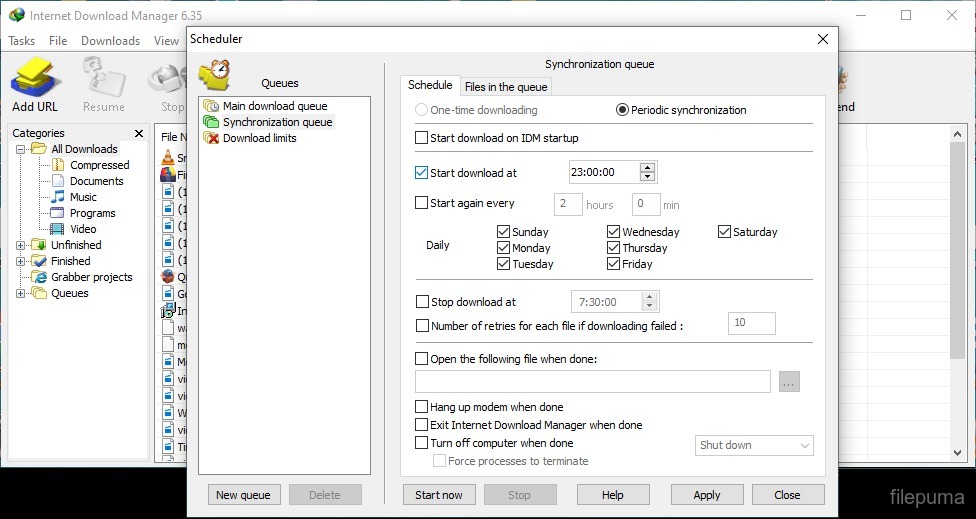
- Scheduler: Built-in scheduler for timed downloads.
- Batch Downloads: Supports queuing multiple files for simultaneous download.
- Antivirus Checking: Automatically checks downloads for viruses.
- Customizable Interface: Users can customize the IDM interface.
- Download Categories: Organizes downloads into different categories.
- Drag and Drop: Initiates downloads with simple drag-and-drop.
- File Preview: Provides a preview of media files during download.
- Protocol Support: Supports various download protocols (HTTP, HTTPS, FTP, MMS).
- Authentication: Works with websites requiring username/password.
- Automatic Updates: Automatically checks and installs updates.