FileZilla Client is a free, open-source FTP (File Transfer Protocol) client that allows users to easily transfer files between their local computer and a remote server.
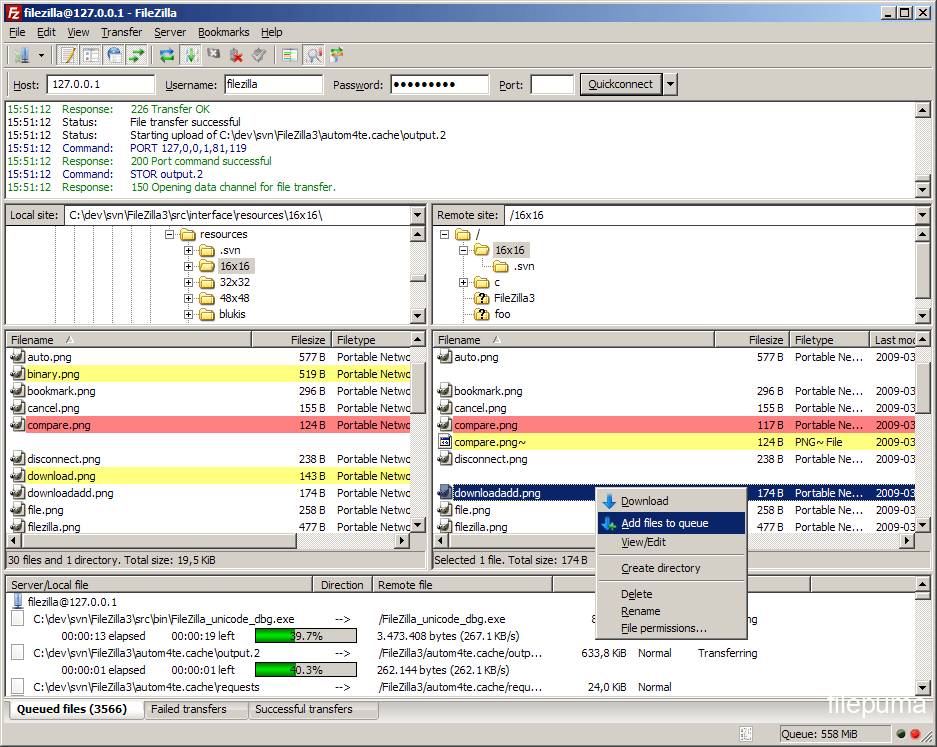
With FileZilla Client, users can connect to multiple servers simultaneously and transfer files using drag and drop functionality or through the use of the built-in file manager. The software also supports various file transfer protocols such as FTP, FTPS, and SFTP, allowing users to securely transfer files over encrypted connections.
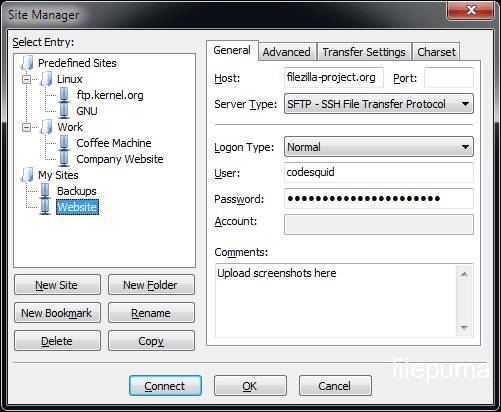
One of the key features of FileZilla Client is its customizable interface, which can be tailored to suit the user’s preferences. This includes the ability to customize the toolbar, menus, and keyboard shortcuts. The software also includes a site manager, allowing users to save and manage their favorite server connections.
In addition, FileZilla Client offers a number of advanced features such as the ability to resume interrupted transfers, set transfer speed limits, and compare local and remote files for differences. The software also provides detailed information about file transfer progress and logs, allowing users to troubleshoot any issues that may arise.
FileZilla Client is a powerful and reliable FTP client that is easy to use and highly customizable. It is an essential tool for anyone who needs to transfer files between their local computer and a remote server.
Key Features:
- Easy to use
- Supports FTP, FTP over SSL/TLS (FTPS) and SSH File Transfer Protocol (SFTP)
- Cross-platform. Runs on Windows, Linux, *BSD, macOS and more
- IPv6 support
- Available in many languages
- Supports resume and transfer of large files >4GB
- Tabbed user interface
- Powerful Site Manager and transfer queue
- Bookmarks
- Drag & drop support
- Configurable transfer speed limits
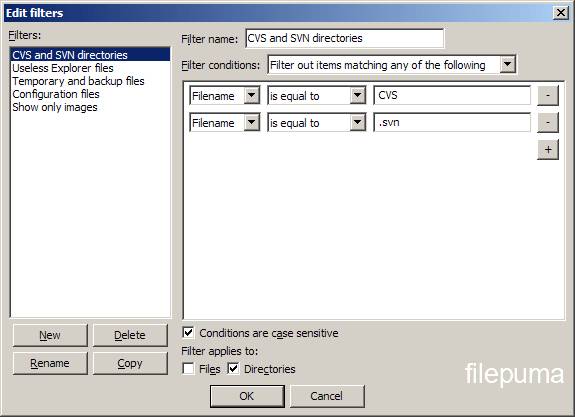
- Filename filters
- Directory comparison
- Network configuration wizard
- Remote file editing
- Keep-alive
- HTTP/1.1, SOCKS5 and FTP-Proxy support
- Logging to file
- Synchronized directory browsing
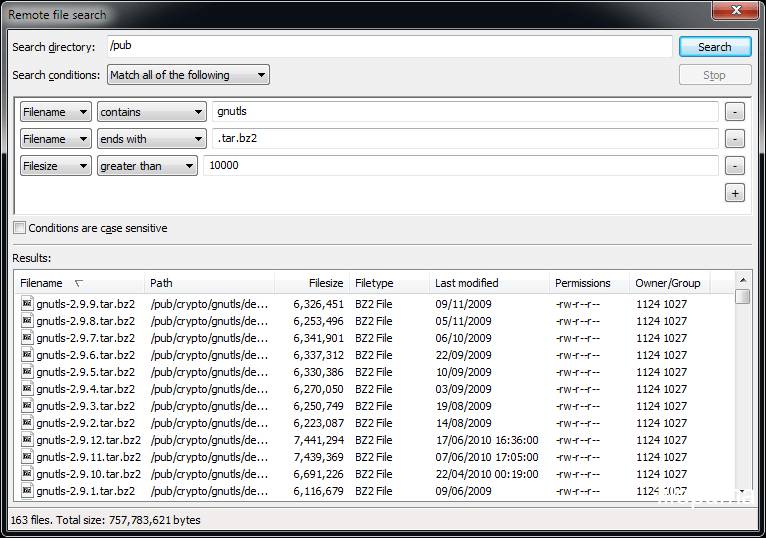
- Remote file search