Code::Blocks is a robust integrated development environment (IDE) designed primarily for C, C++, and Fortran programming languages. It provides a user-friendly interface equipped with essential tools for software development.
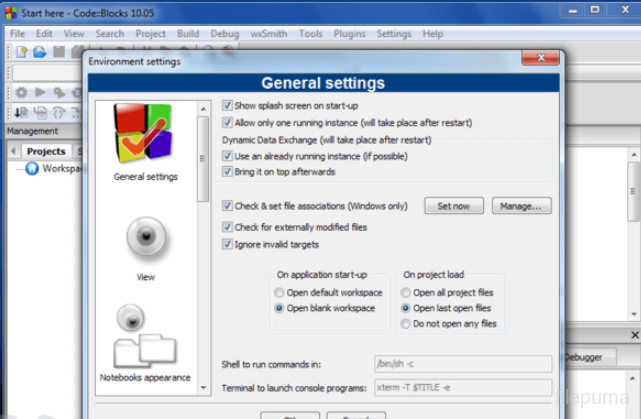
With Code::Blocks, developers can efficiently write, compile, debug, and execute their code within a single environment. Its customizable layout and numerous plugins enhance productivity by tailoring the IDE to individual preferences and project requirements.
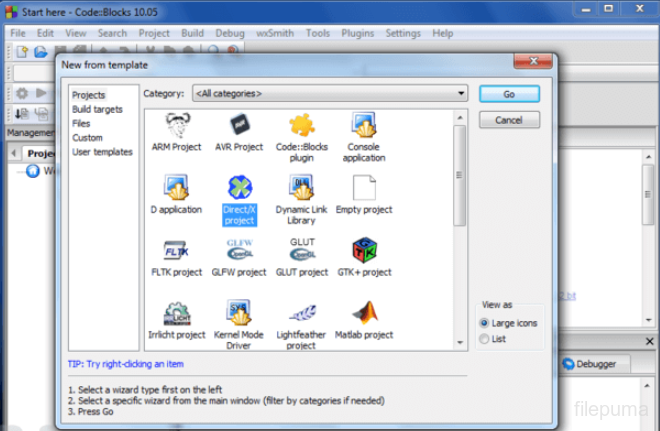
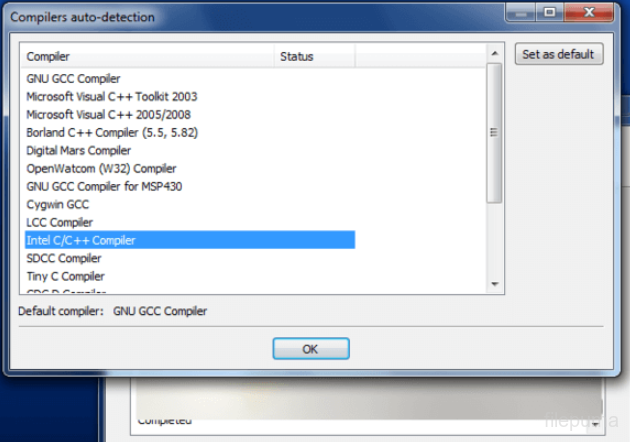
Key features of Code::Blocks include a powerful code editor with syntax highlighting and code completion, project management tools for organizing files and dependencies, and a built-in debugger for identifying and fixing errors in code. Additionally, it supports multiple compilers, allowing users to choose the toolchain that best suits their needs.
Code::Blocks is a popular choice among programmers due to its simplicity, flexibility, and open-source nature. It runs on multiple platforms including Windows, macOS, and Linux, making it accessible to a wide range of users worldwide. Whether you’re a beginner learning to code or an experienced developer working on complex projects, Code::Blocks provides the necessary tools to streamline the development process and bring your ideas to life.
Key Features:
- Customizable Interface: Allows you to adjust layouts and colors.
- Multiple Compiler Support: Supports various compilers like GCC and Visual C++.
- Integrated Debugger: Helps debug code efficiently.
- Syntax Highlighting: Makes code easier to read.
- Code Completion: Speeds up coding by suggesting code snippets.
- Project Management: Organizes code files into projects.
- Plugin System: Add extra features with plugins.
- Resource Editor: Manage project resources within the IDE.
- Version Control Integration: Supports Git and Subversion.
- Build System: Supports different build configurations.