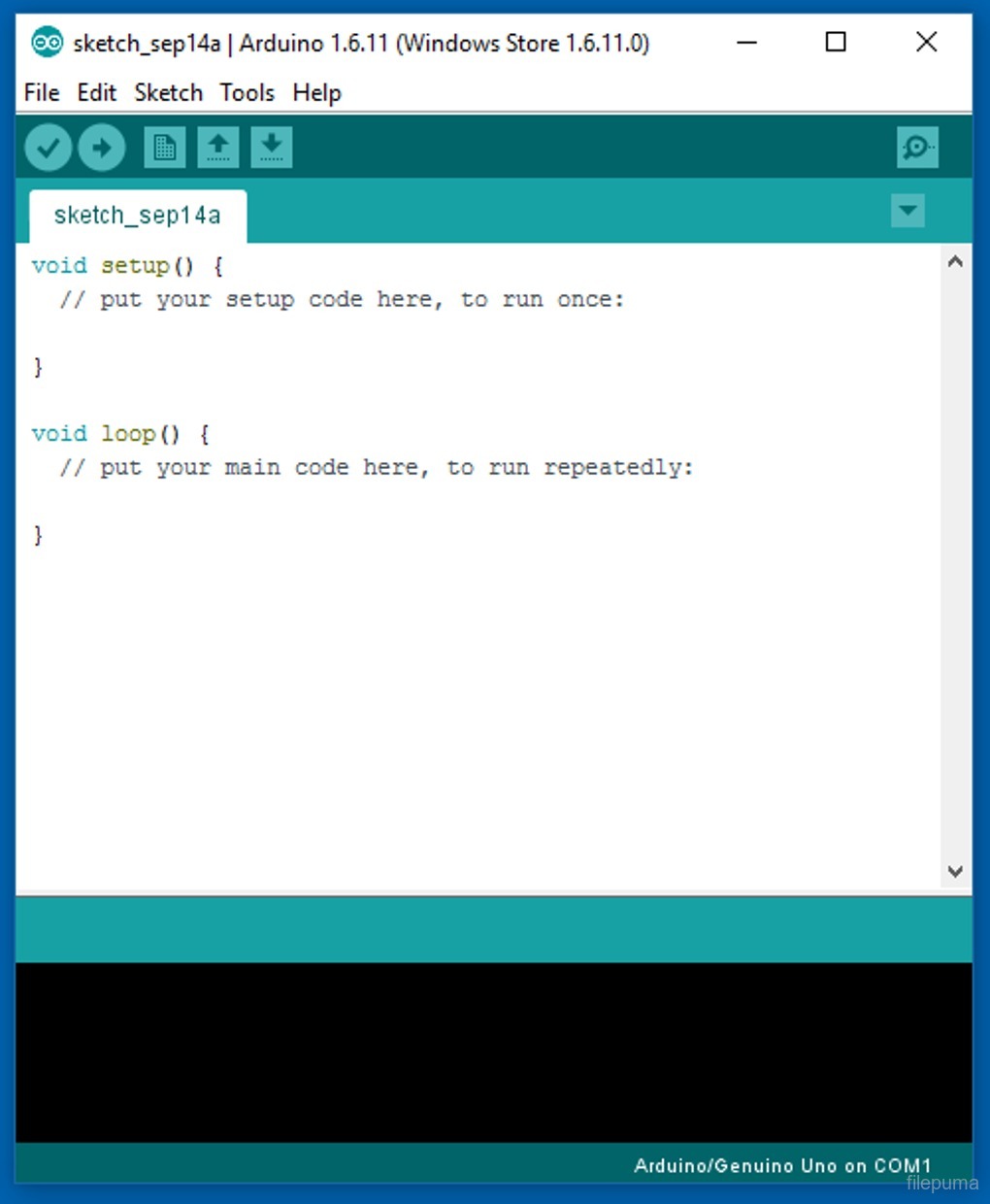
Arduino IDE is a powerful and user-friendly platform designed for programming Arduino boards. It provides a simple, intuitive interface that allows developers and hobbyists to write, compile, and upload code to Arduino boards with ease. This integrated development environment supports various programming languages like C and C++, which are essential for creating custom applications on Arduino hardware.
The software is open-source, meaning users can contribute to its development and adapt it to their needs. Arduino IDE comes with a wide range of libraries and examples that help users get started with different sensors, motors, and other electronic components. This makes it particularly popular among beginners and educators in STEM fields.
Arduino IDE also features a built-in serial monitor for debugging and communication between the board and the PC. It enables real-time data exchange, making it easier to test and troubleshoot projects. The IDE’s cross-platform nature ensures it runs smoothly on Windows, macOS, and Linux systems.
With continuous updates and a vast community of developers, Arduino IDE remains a go-to tool for those looking to build interactive and innovative projects. Its user-centric design and compatibility with various Arduino boards make it an essential tool for electronics enthusiasts worldwide.
Key Features:
- Code Editor: Simple, user-friendly code editor with syntax highlighting and auto-completion to ease the coding process.
- Built-in Libraries: Includes a variety of pre-installed libraries to easily interface with sensors, motors, and other peripherals.
- Support for Multiple Languages: Primarily uses C and C++, but is simplified for easy use with Arduino hardware.
- One-Click Compile and Upload: Easy code compilation and direct uploading to Arduino boards via USB.
- Serial Monitor: Allows developers to send and receive data from the Arduino board for debugging and interaction.
- Library Manager: Easily add third-party libraries to extend functionality and support additional hardware.
- Sketchbook: Organizes code projects (called sketches) in an easily accessible environment.
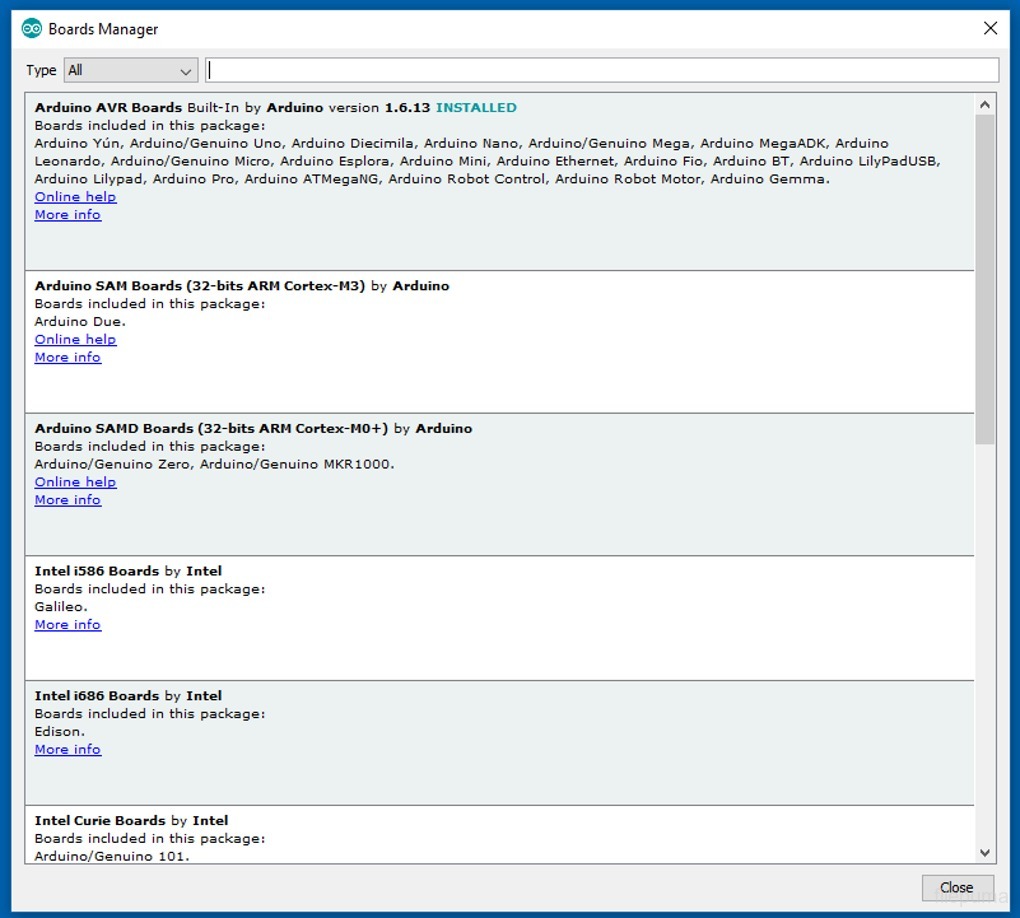
- Multiple Board Support: Supports a wide range of Arduino boards, including the Arduino Uno, Nano, Mega, and others.
- Community Support: Strong community with tutorials, forums, and resources for beginners and advanced users.