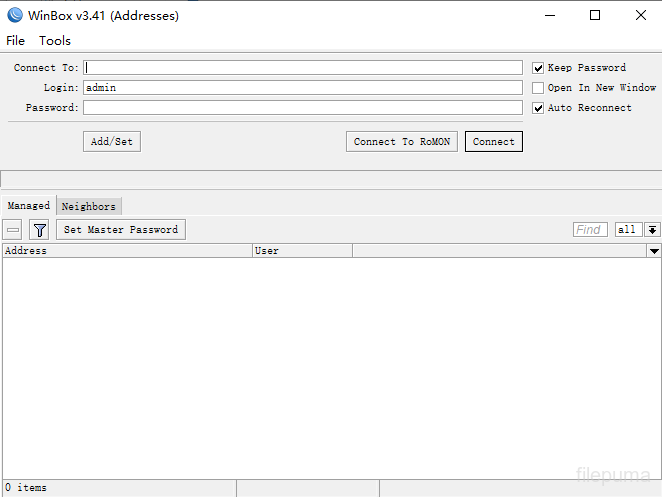
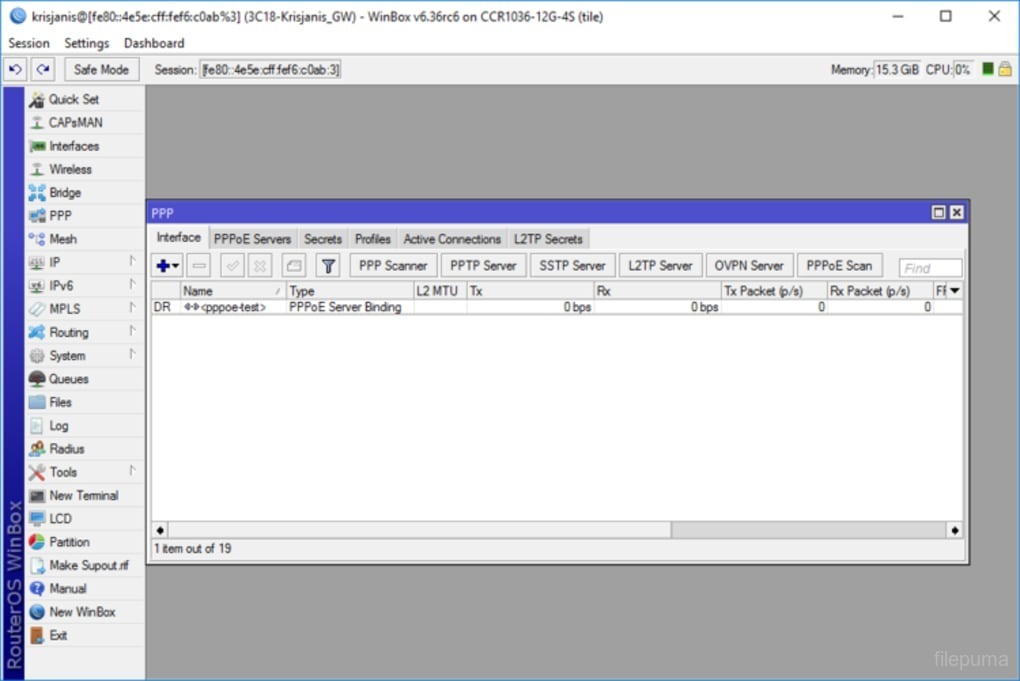
WinBox is a powerful configuration tool designed for MikroTik RouterOS devices. It provides a user-friendly interface for managing and configuring MikroTik routers, making network administration accessible even for users with limited technical expertise.
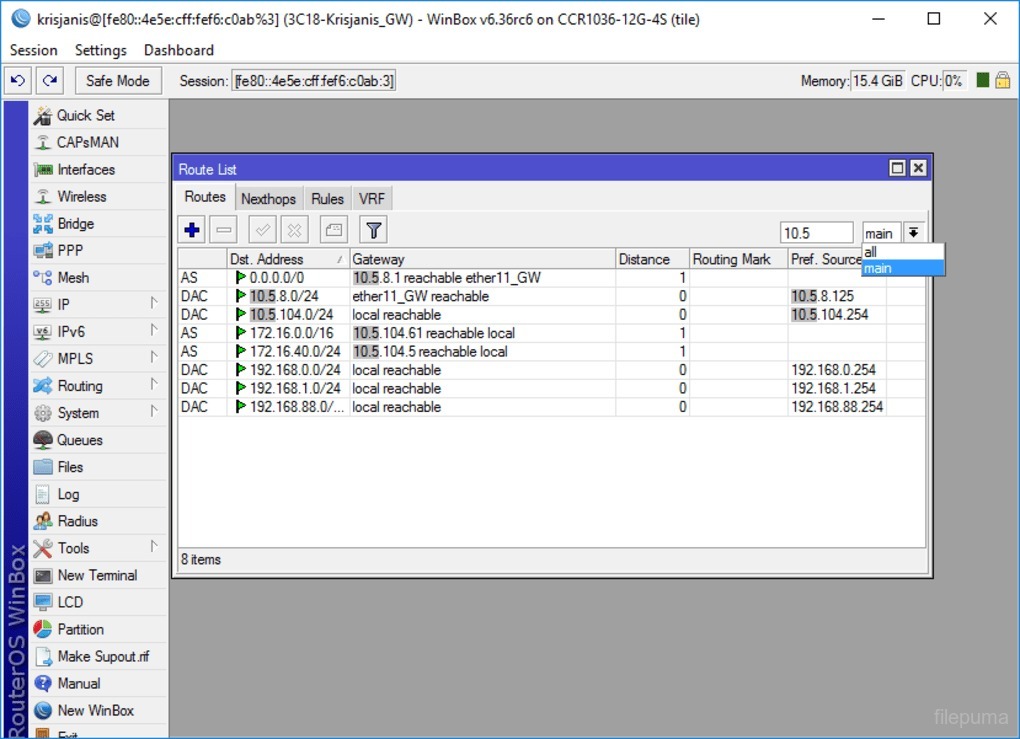
WinBox allows for extensive configuration options, including network interface settings, firewall rules, and routing protocols. With WinBox, administrators can easily monitor network performance, set up VPNs, and manage user access. The software offers real-time updates and status reports, ensuring that network issues can be addressed promptly.
One of WinBox’s strengths is its ability to handle multiple MikroTik devices simultaneously. This feature is particularly useful for managing larger networks or service providers with numerous routers. The tool also supports various configurations for security, including firewall management and advanced access controls.
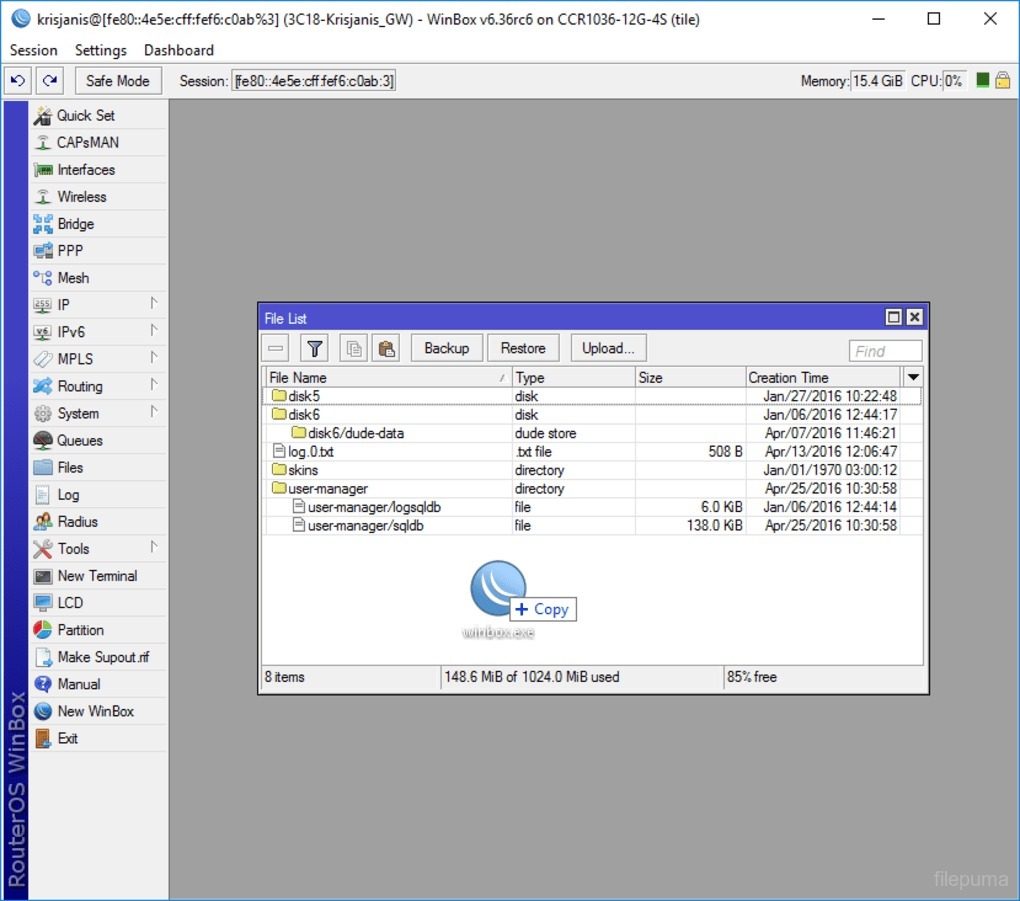
WinBox is compatible with both Windows and macOS, making it a flexible choice for network administrators. Its intuitive drag-and-drop interface simplifies complex configurations, and the integrated help system assists users in navigating the software’s features.
WinBox stands out as a reliable and efficient tool for MikroTik router management, enhancing network control and ensuring smooth operation.
Key Features:
- User-Friendly Interface: Easy-to-use graphical interface for managing MikroTik devices.
- Real-Time Monitoring: Displays live network and device performance information.
- Advanced Settings: Configure routing, firewalls, and VPNs with detailed options.
- Backup & Restore: Save and restore device settings easily.
- Automation: Use scripts for automatic configuration and management.
- Secure Access: Ensures safe, encrypted connections for device management.
- Multiple Device Support: Manage several MikroTik devices at once.