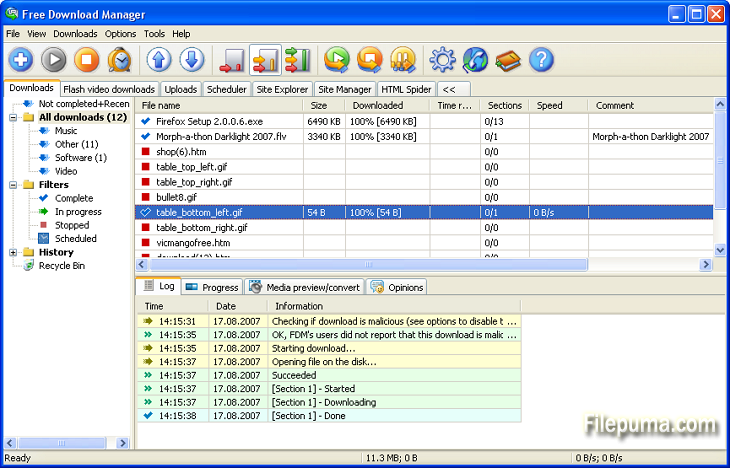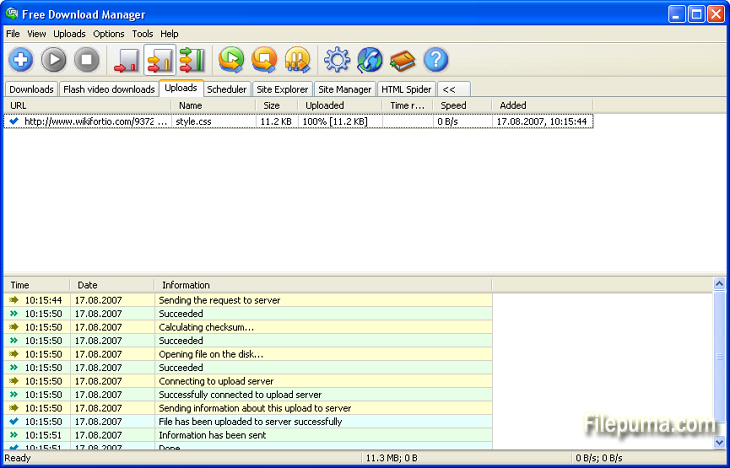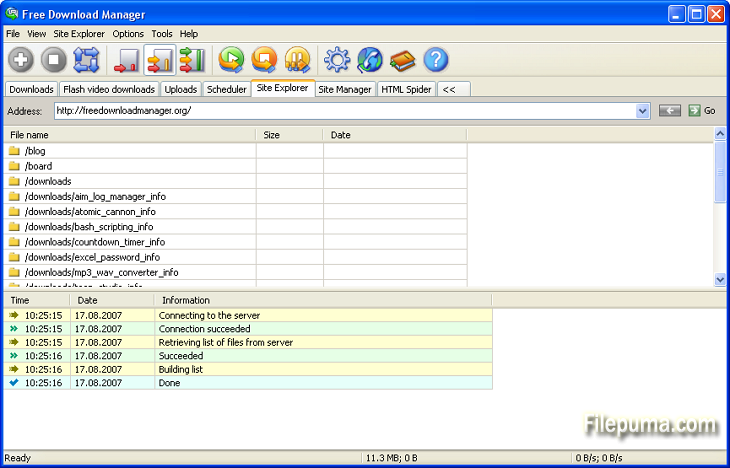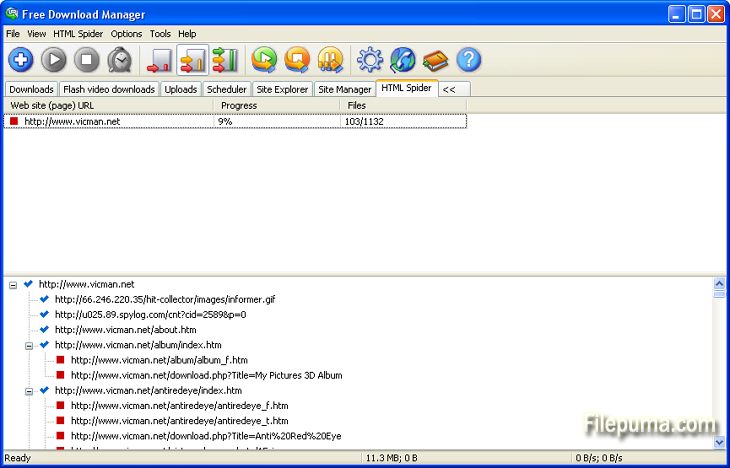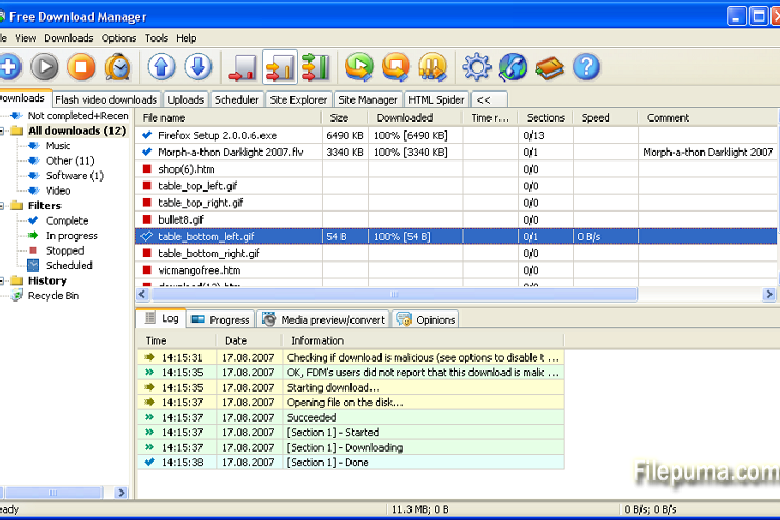
Free Download Manager (FDM) is a powerful and efficient tool designed to help users manage and accelerate their file downloads. With support for a wide range of file types, including videos, music, torrents, and documents, FDM makes downloading from the internet easier and faster. It integrates smoothly with popular browsers like Chrome, Firefox, and Edge, allowing users to quickly download content directly from web pages.
One of FDM’s standout features is its ability to optimize download speeds by splitting files into smaller segments and downloading them simultaneously. This ensures that large files are downloaded quickly, even on slower internet connections. The program also supports resuming broken downloads, so users don’t lose progress if their connection is interrupted.
FDM offers a user-friendly interface, making it easy to manage and organize multiple downloads at once. Users can prioritize downloads, schedule tasks, and limit bandwidth to ensure that other activities, like browsing, are not slowed down.
FDM is available for both Windows and macOS, and it is completely free to use. It offers a range of features that make it a valuable tool for users who frequently download files from the internet.
Key Features:
- Download Acceleration: Speeds up downloads by splitting files into several sections and downloading them simultaneously.
- Torrent Support: Built-in support for downloading files via torrents.
- Video Downloads: Allows downloading video files from popular websites.
- Resume Broken Downloads: Can resume interrupted downloads from where they left off.
- Scheduler: Allows users to set specific times for downloading files.
- Traffic Management: Provides control over download traffic to avoid overloading the network.
- Remote Control: Enables managing downloads remotely via a web interface.
- File Preview: Allows previewing audio and video files before the download is complete.
- User-Friendly Interface: Intuitive and customizable user interface.