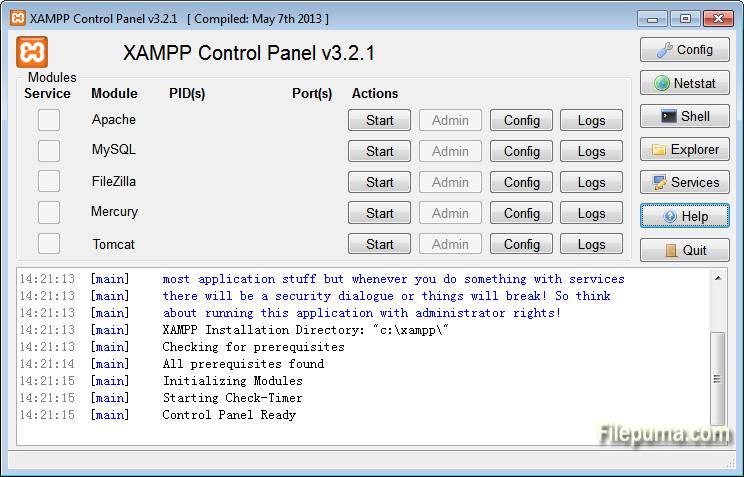
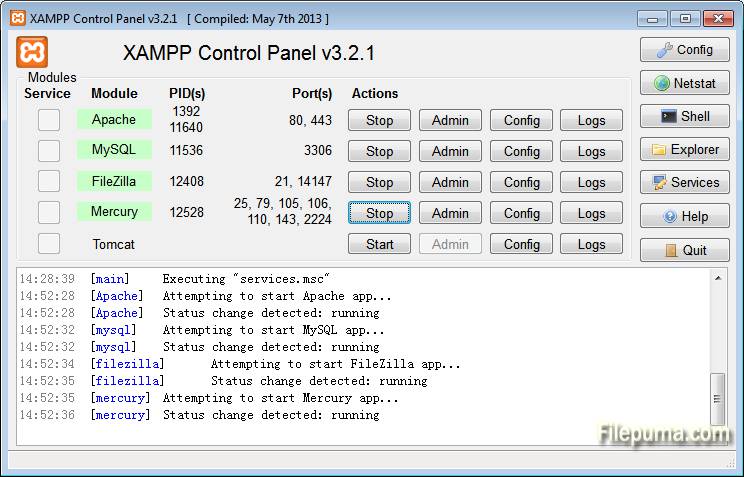
XAMPP is a free and open-source web server solution that facilitates the development and testing of web applications on a local machine. It is a powerful and easy-to-install software stack that includes essential components for web development.
The “X” in XAMPP signifies its cross-platform compatibility, making it suitable for use on Windows, Linux, and macOS. The core components of XAMPP include Apache, the widely-used web server; MySQL, a robust relational database management system; PHP, a popular server-side scripting language; and Perl, a versatile programming language.
One of XAMPP’s key advantages is its simplicity. With a straightforward installation process, users can quickly set up a local server environment for testing and debugging their web projects. This local server mimics the conditions of a live server, allowing developers to identify and address issues before deploying their applications online.
XAMPP is widely embraced by developers and students alike for its user-friendly interface and the convenience it offers in creating a self-contained testing environment. Whether you’re a seasoned developer or just starting with web development, XAMPP provides a hassle-free solution for creating and testing dynamic web applications on your personal computer.
Key Features:
- Apache Web Server: Includes the widely-used Apache server for hosting websites.
- MySQL Database: Comes with MySQL for managing relational databases.
- PHP Scripting: Supports PHP for server-side scripting in web development.
- Perl Language: Includes Perl, another scripting language.
- Extras: Additional tools like phpMyAdmin, OpenSSL, and FileZilla FTP server.
- Easy Installation: Simple and user-friendly installation process.
- Local Development: Designed for creating and testing websites on local machines.
- Open Source: Source code is freely available for modification and distribution.
- Community Support: Large and active community for assistance and updates.